Setup Guides
Follow our simple, step-by-step guides to get IPTV LIFESTYLE up and running on your favorite device in minutes.
Since IPTV Smarters is not on the Amazon App Store, we will use the "Downloader" app.
Part 1: Install Downloader
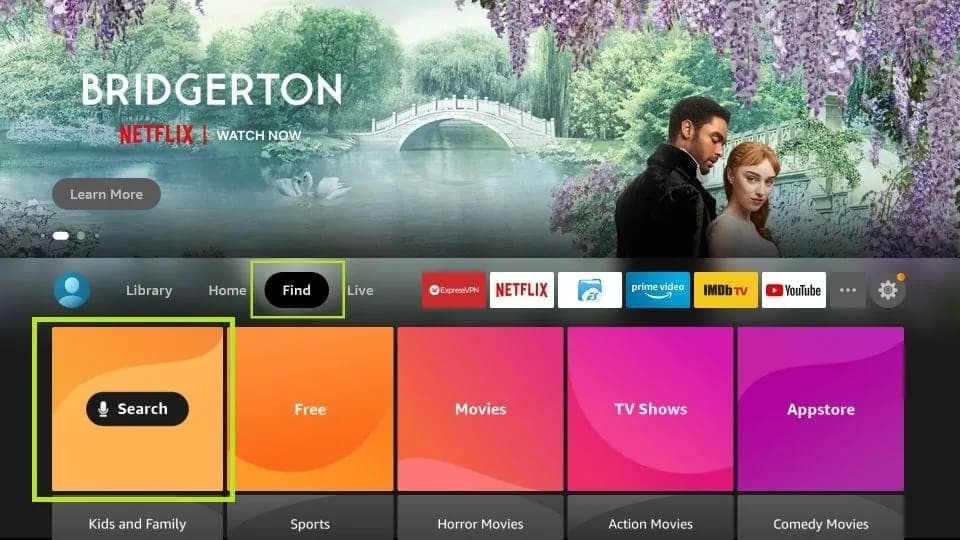
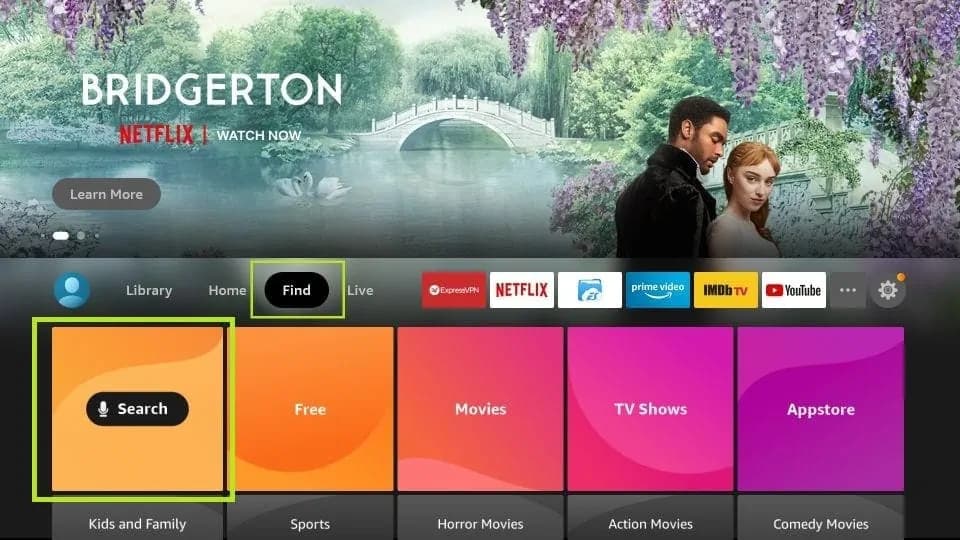
1. Go to Find > Search on your FireStick home screen.
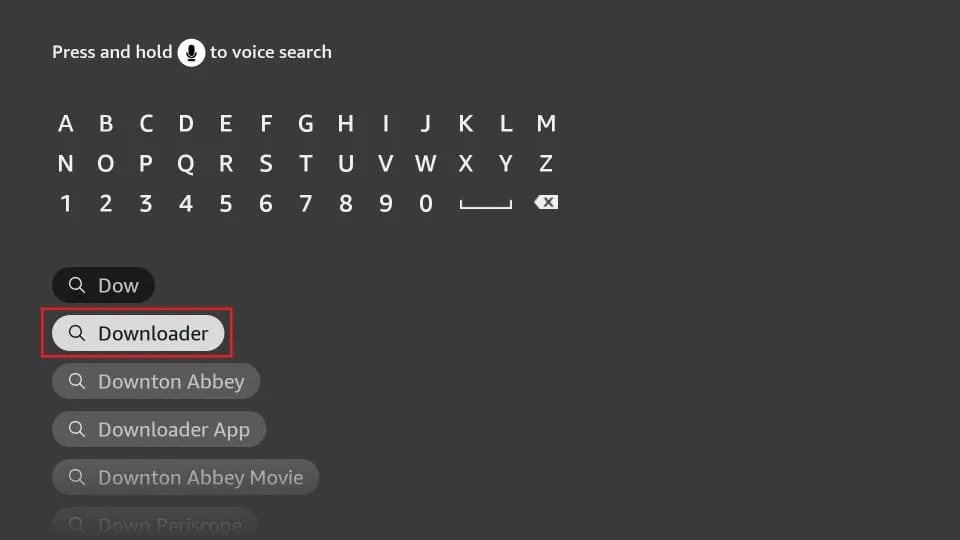
2. Type "Downloader", select it, and install the app.
Part 2: Enable Developer Options
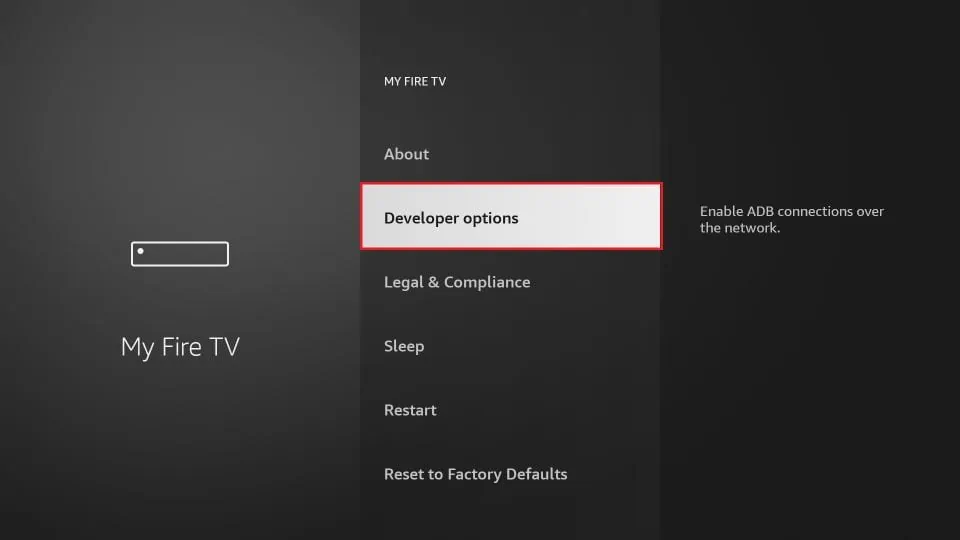
1. Go to Settings > My Fire TV > Developer Options.
Note: If you don't see Developer Options, click "About" then click "Fire TV Stick" 7 times rapidly.
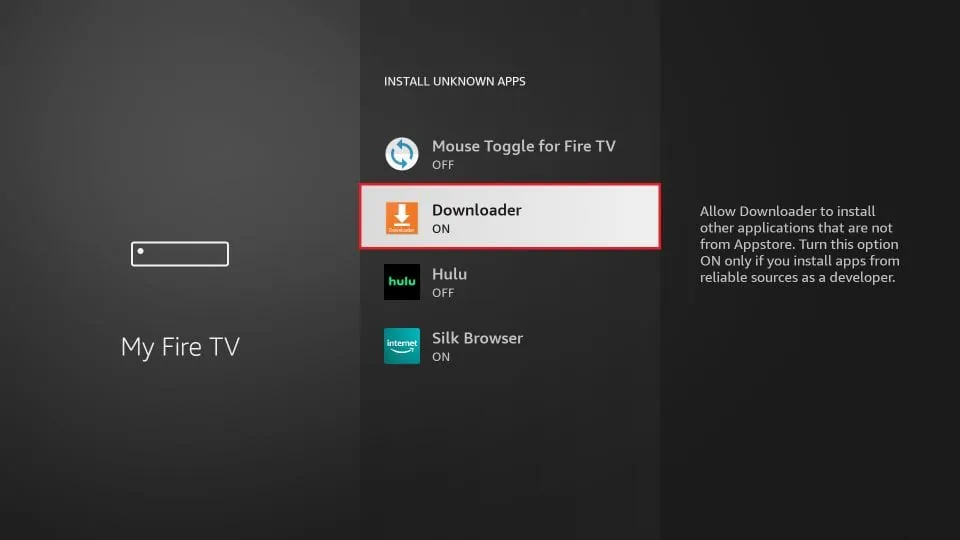
2. Turn ON Install Unknown Apps for Downloader.
Part 3: Download Smarters
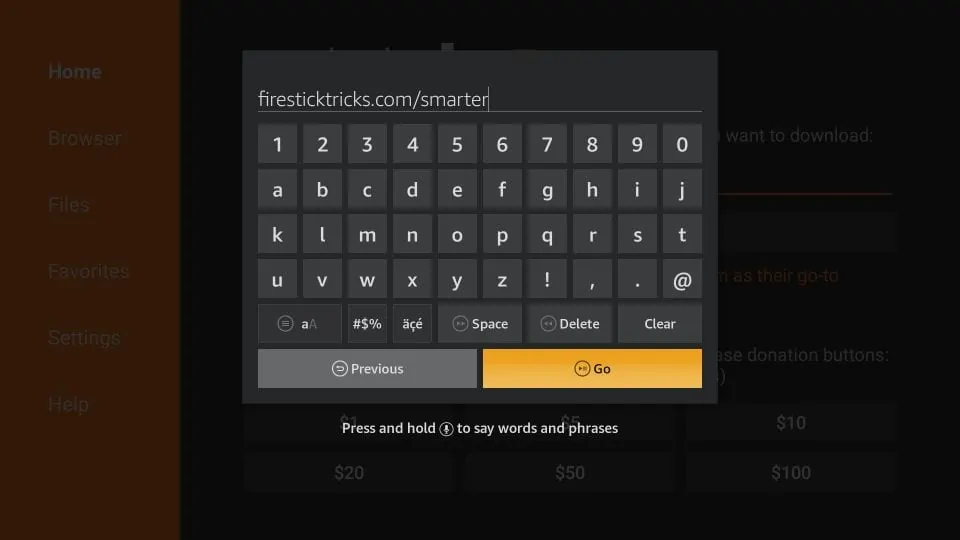
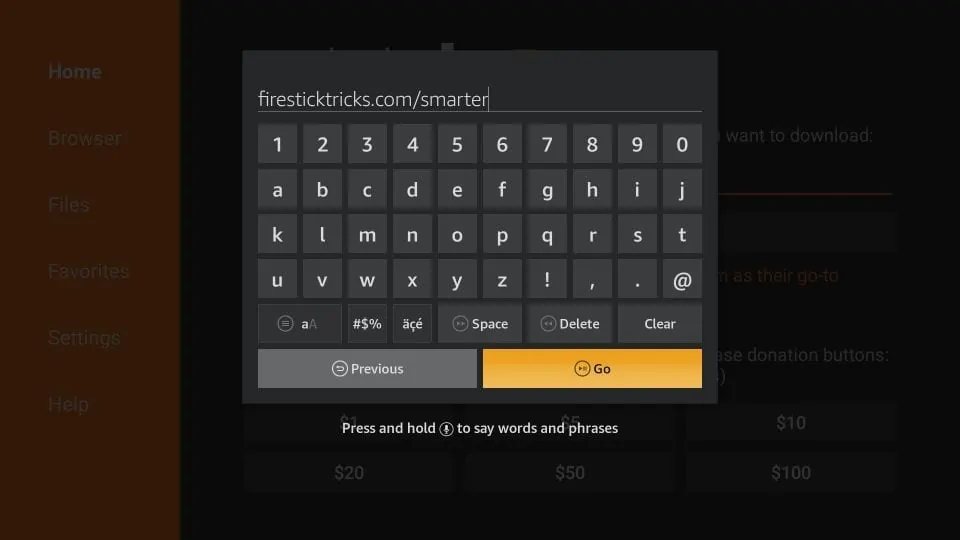
1. Open Downloader and enter this URL: https://www.iptvsmarters.com/smarters.apk
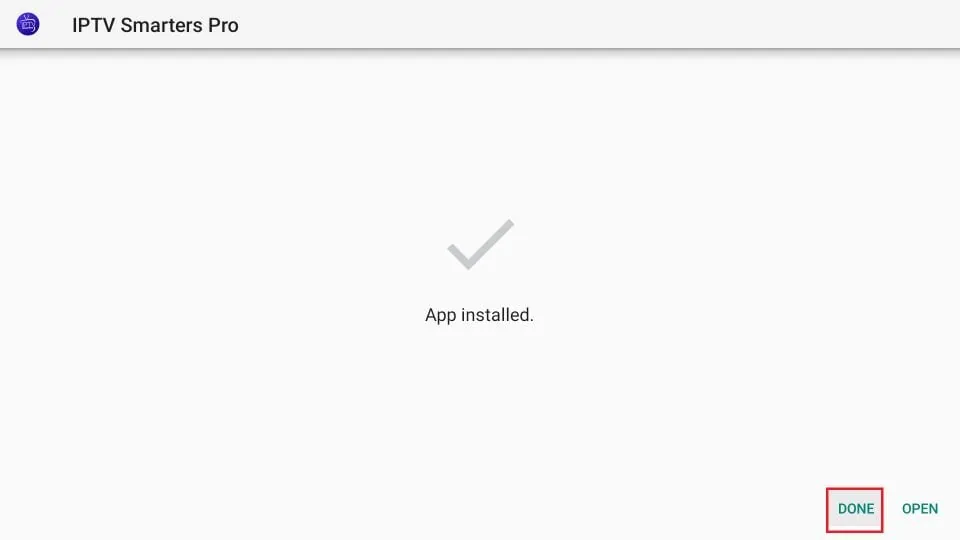
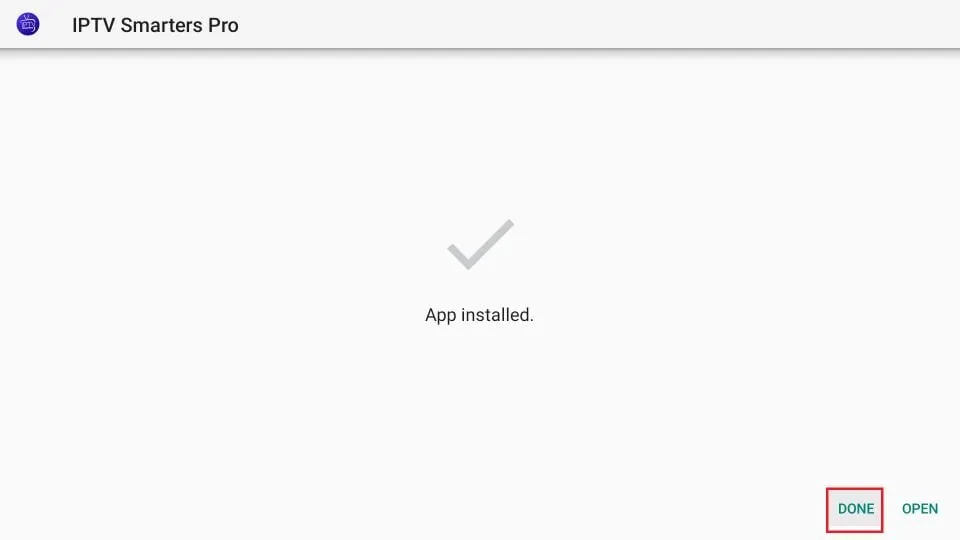
2. Click Go, wait for download, then click Install.
3. Once installed, open the app and login with your Xtream Codes API.
We recommend using IBO Player or IPTV Smarters Pro from your TV's App Store.
Option 1: IBO Player (Recommended)
Search for "IBO Player" in your store. It is very fast and stable.
Option 2: Smarters Pro
Search for "IPTV Smarters Pro". Select "Login with Xtream Codes API".
How to Login on Smarters:
1. Select Add New User
2. Select Xtream Codes API
For Apple devices, we highly recommend IBO Player or IPTV Smarters Pro.
- Visit the App Store.
- Search for and download IPTV Smarters Pro or Smarters Player Lite.
- Launch the app and choose "Login with Xtream Codes API".
- Enter the Username, Password, and URL sent to your email.
The setup is identical to Smart TV.
- Download IPTV Smarters Pro Video Player from Google Play Store.
- Open the app and tap Add New User.
- Select Login with Xtream Codes API.
- Enter your subscription details.
Need Additional Help?
Our support team is available 24/7 to assist you with installation on any device.
Contact Support